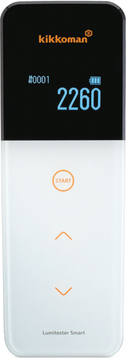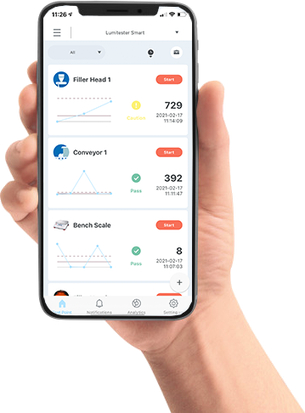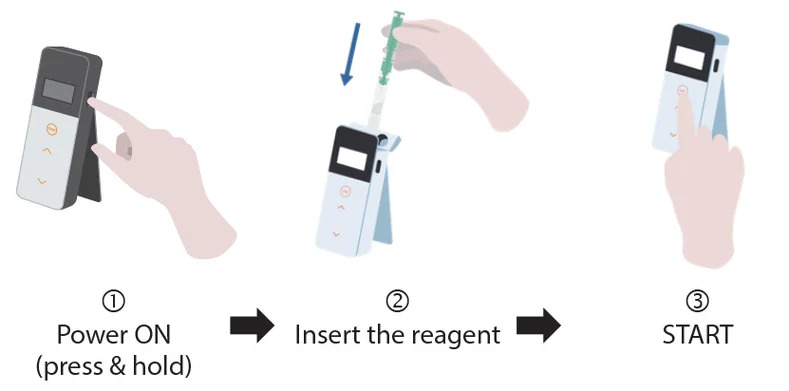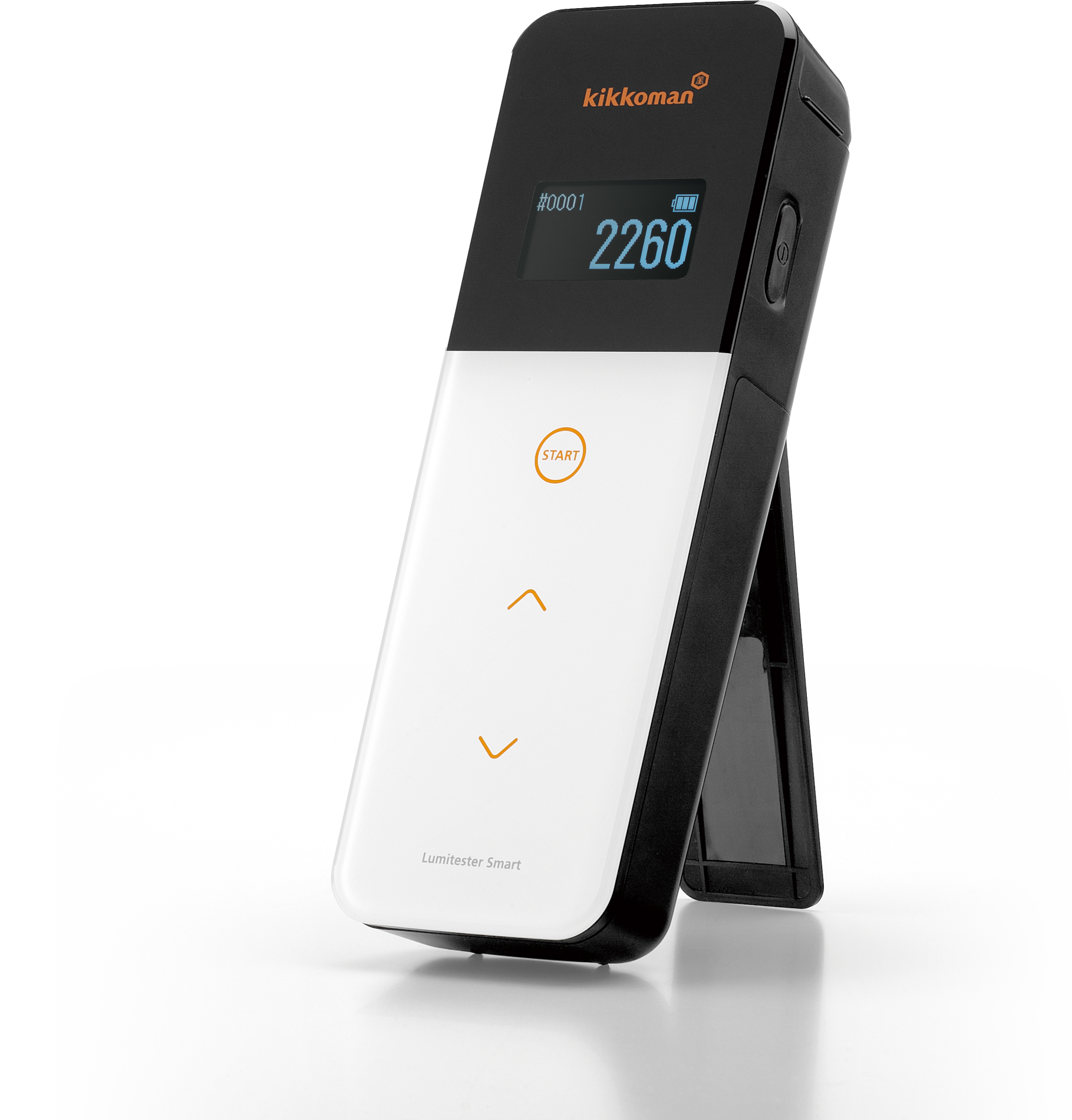


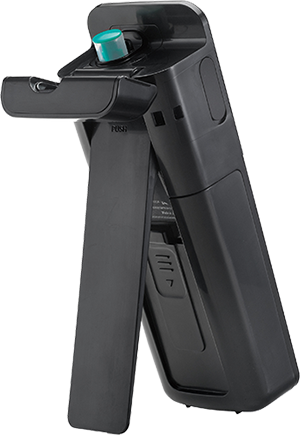
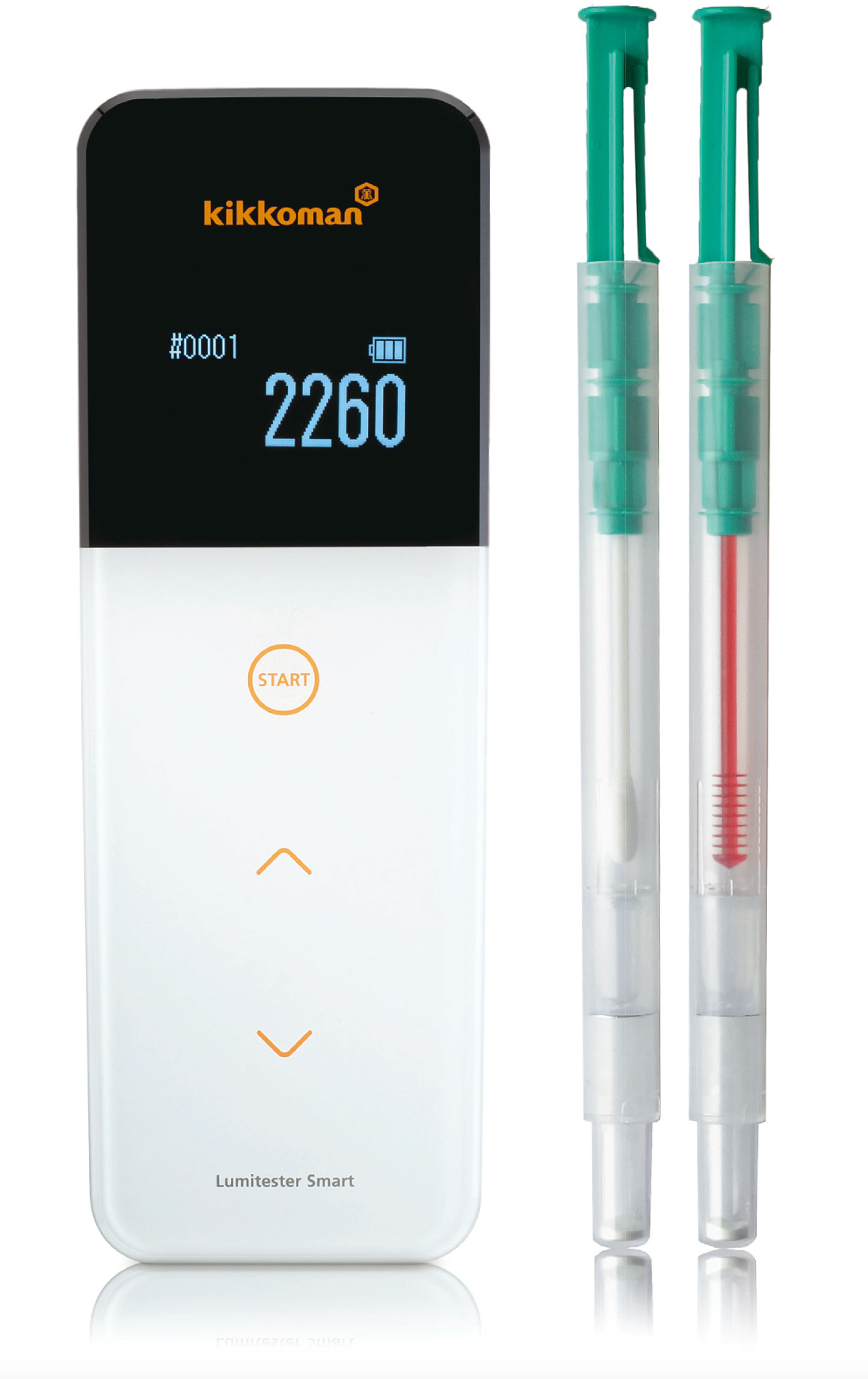
Lumitester™ Smart
TAP BULLET POINTS BELOW FOR MORE INFORMATION


TAP BULLET POINTS BELOW FOR MORE INFORMATION


Unit 11A, 1 – 3 Endeavour Road
Caringbah , NSW 2229. AUSTRALIA
info@fmcgis.com.au
(02) 9540 2288 Or 1300 628 104


|
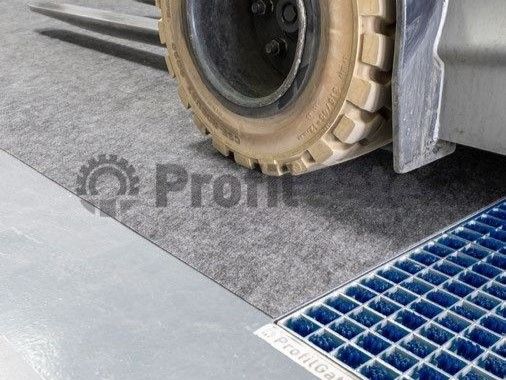
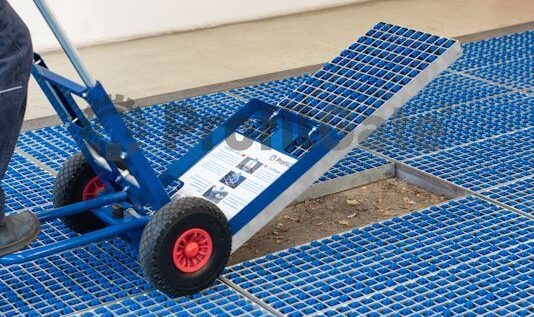
The forks of lift trucks are cleaned from below |
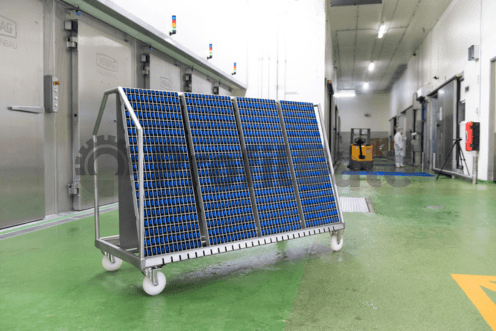
Ideal for cleaning plastic boxes |
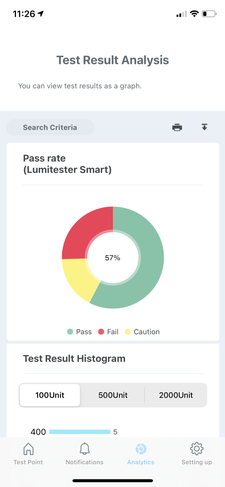 Exportable Data and Reports for Regulatory Compliance
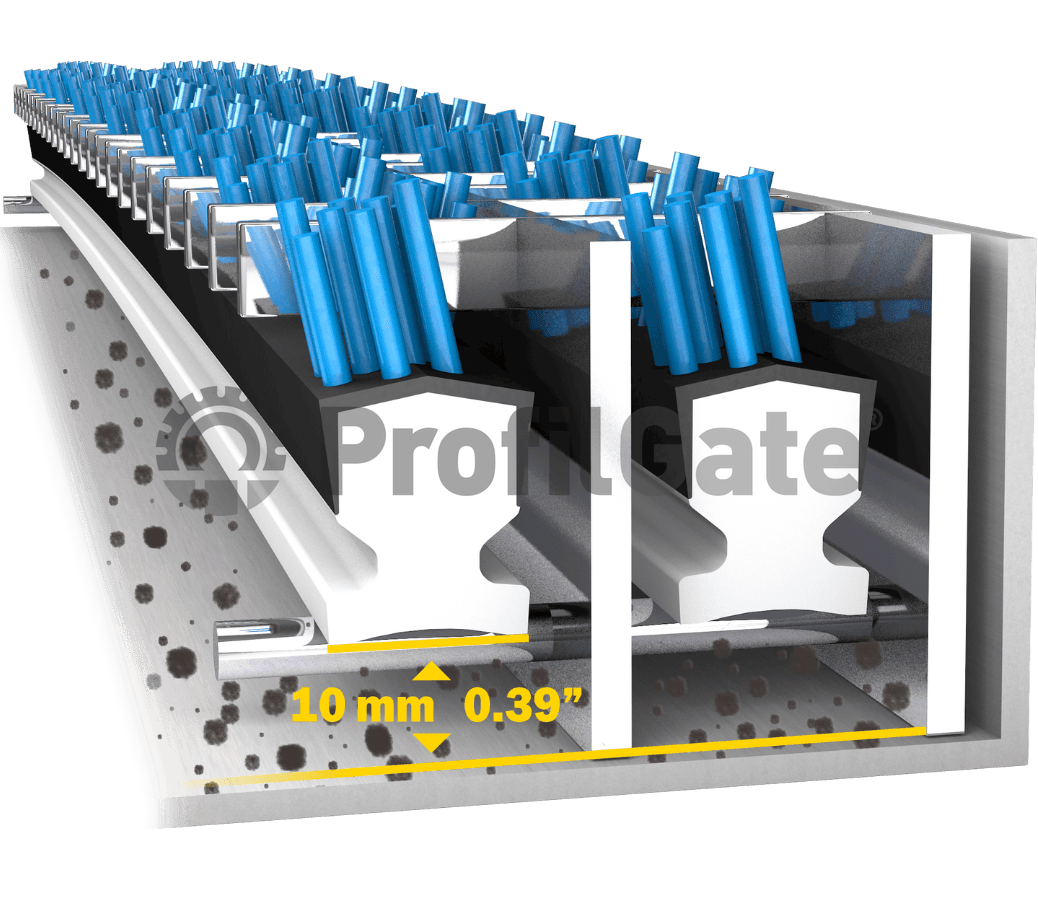
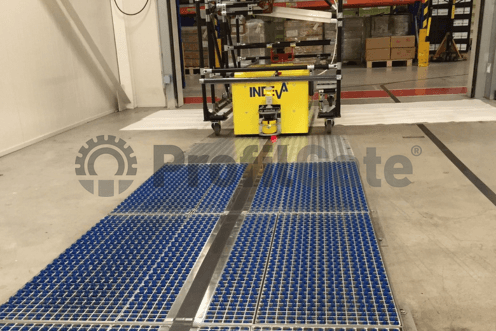
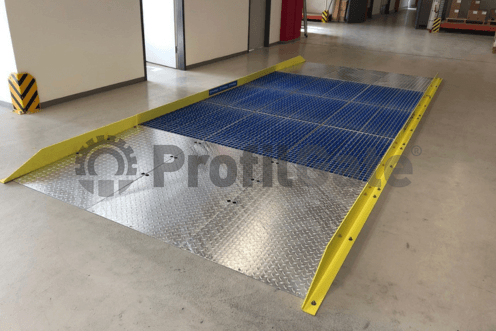
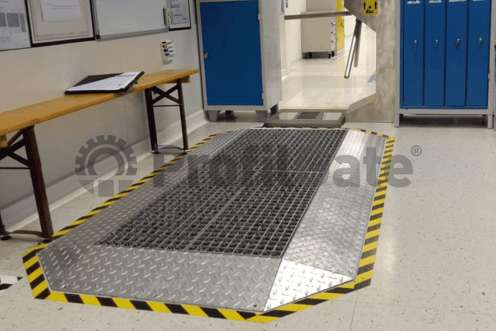
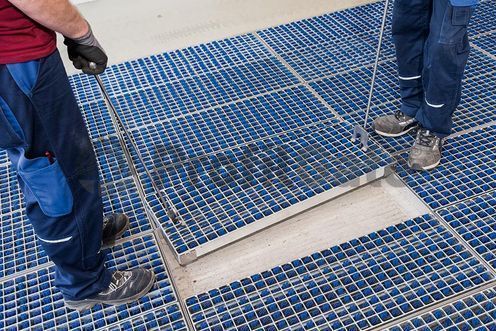
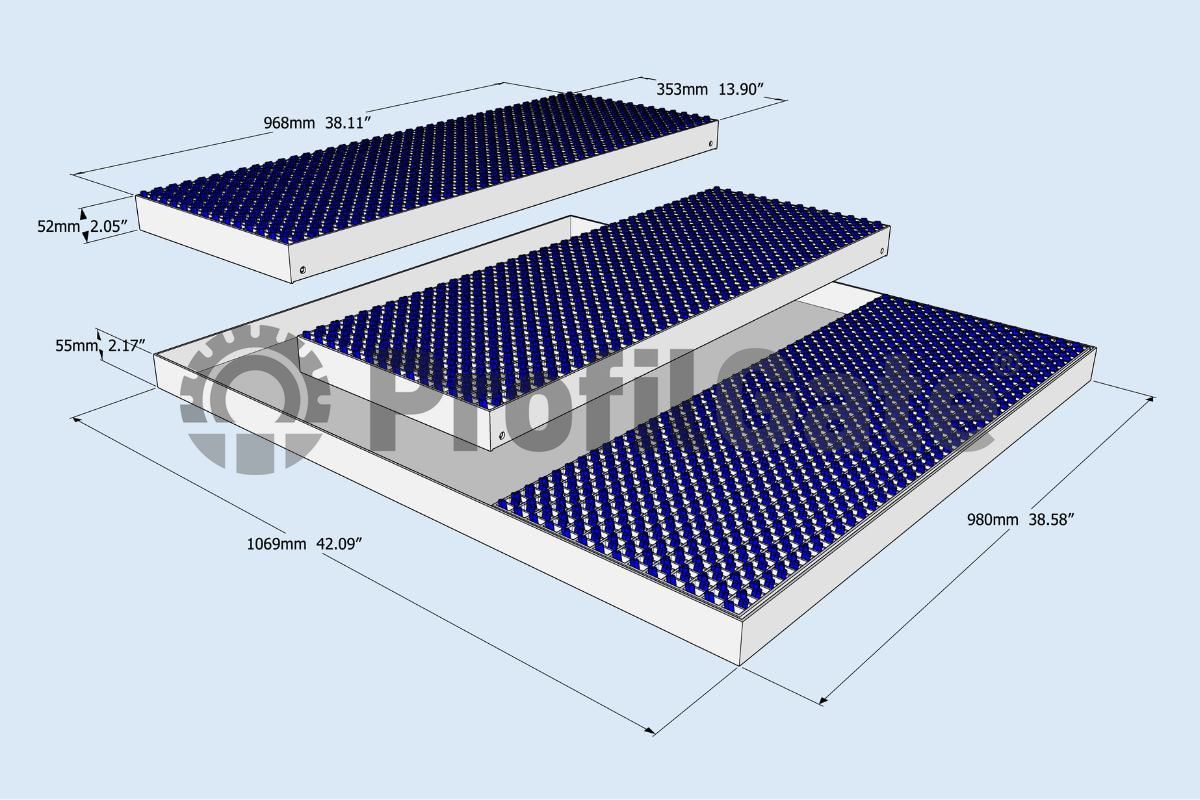
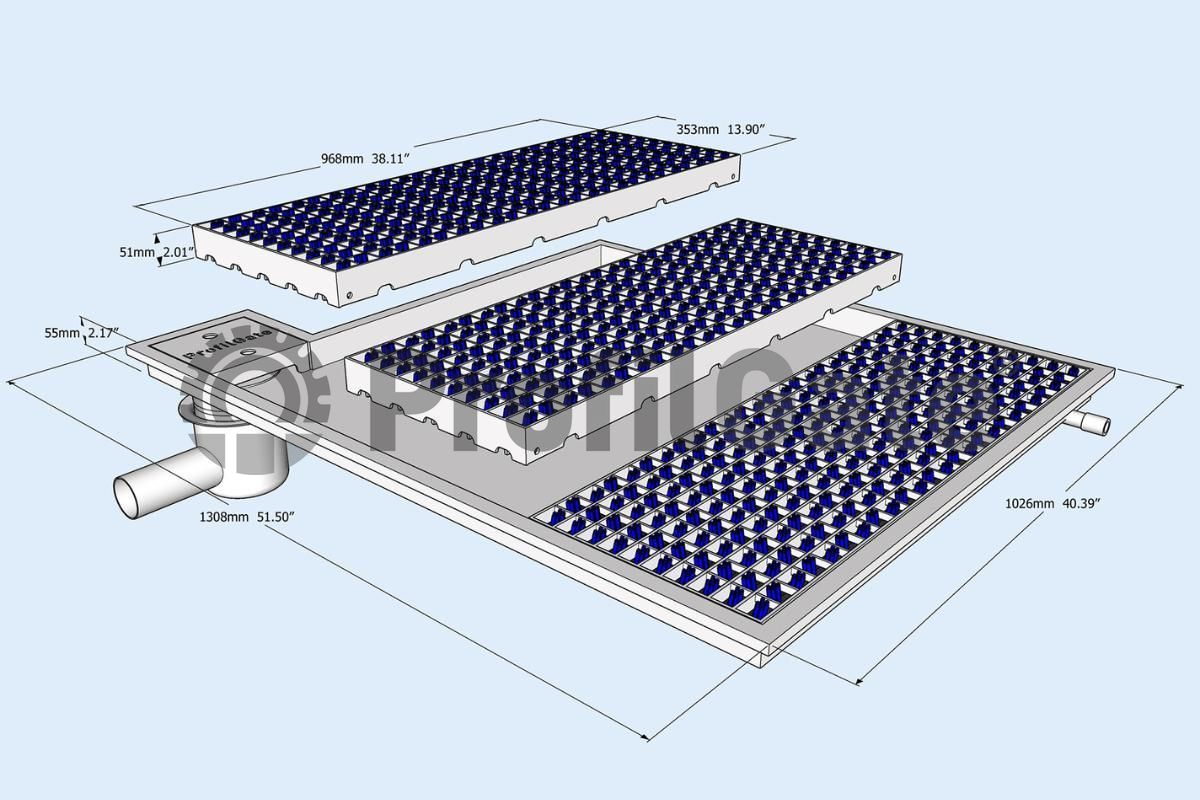
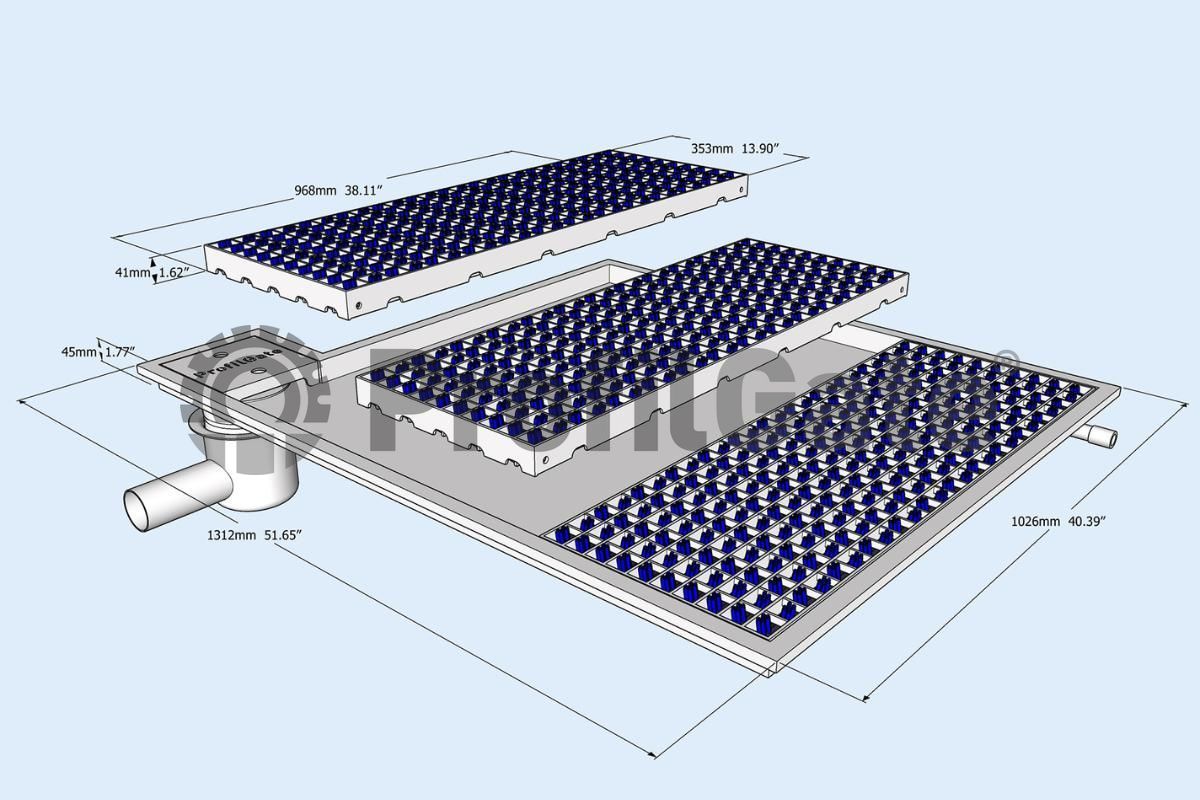
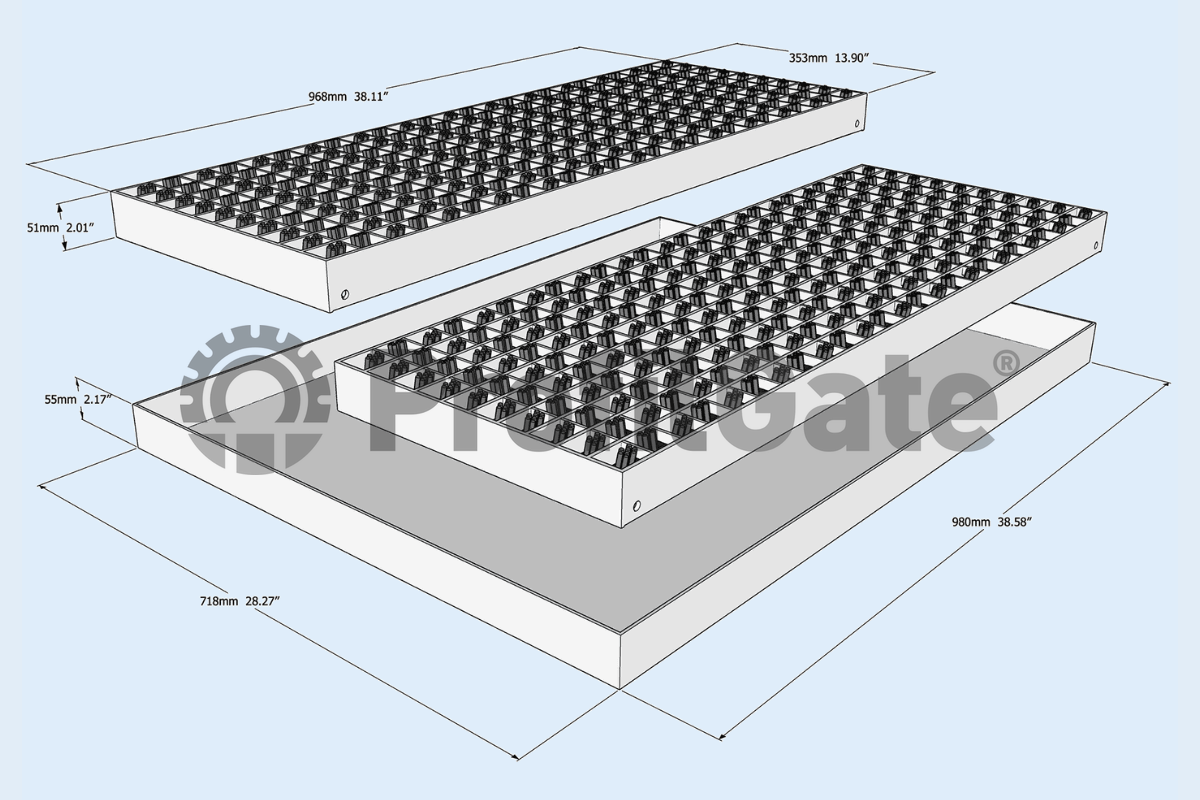
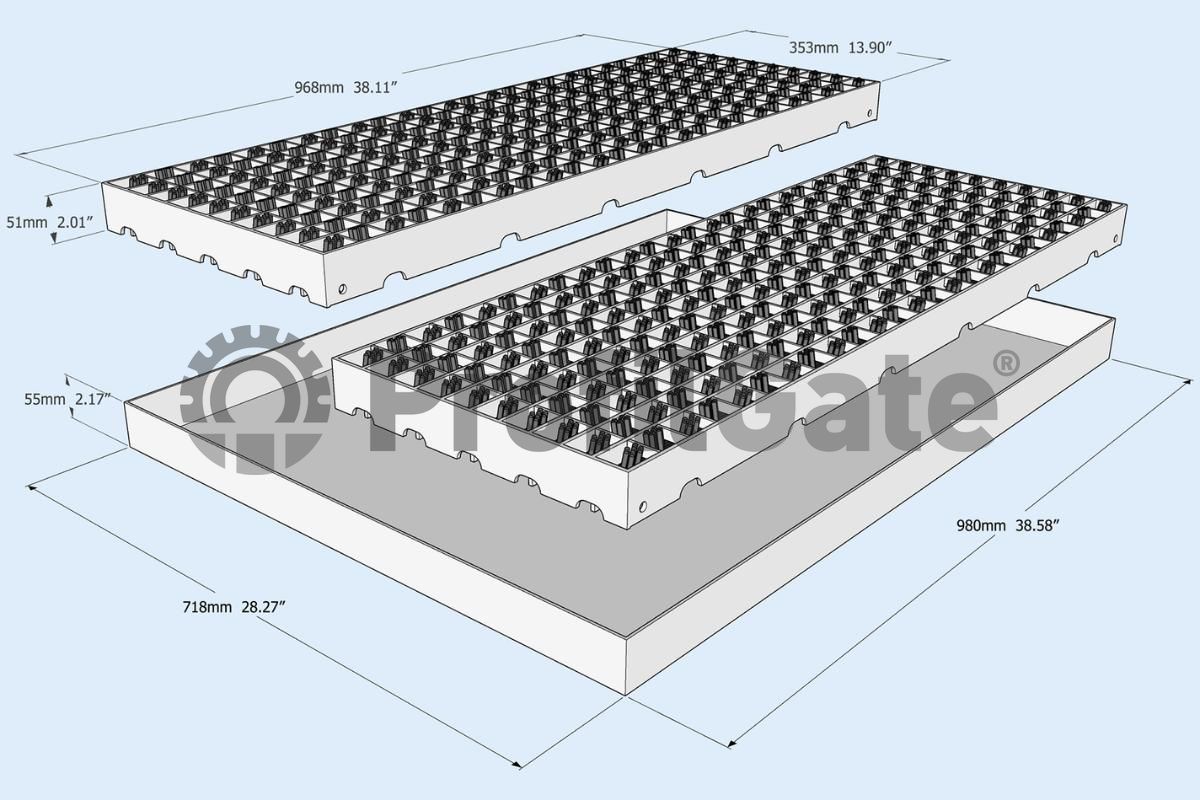
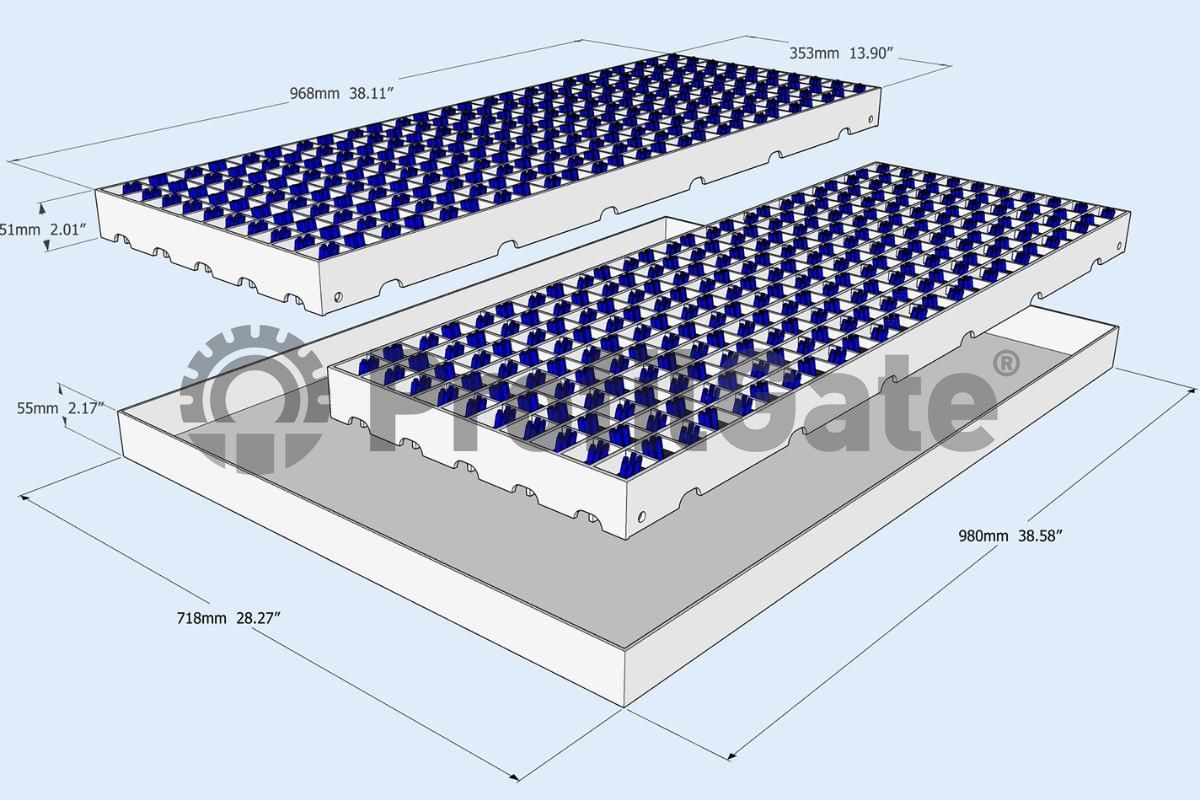
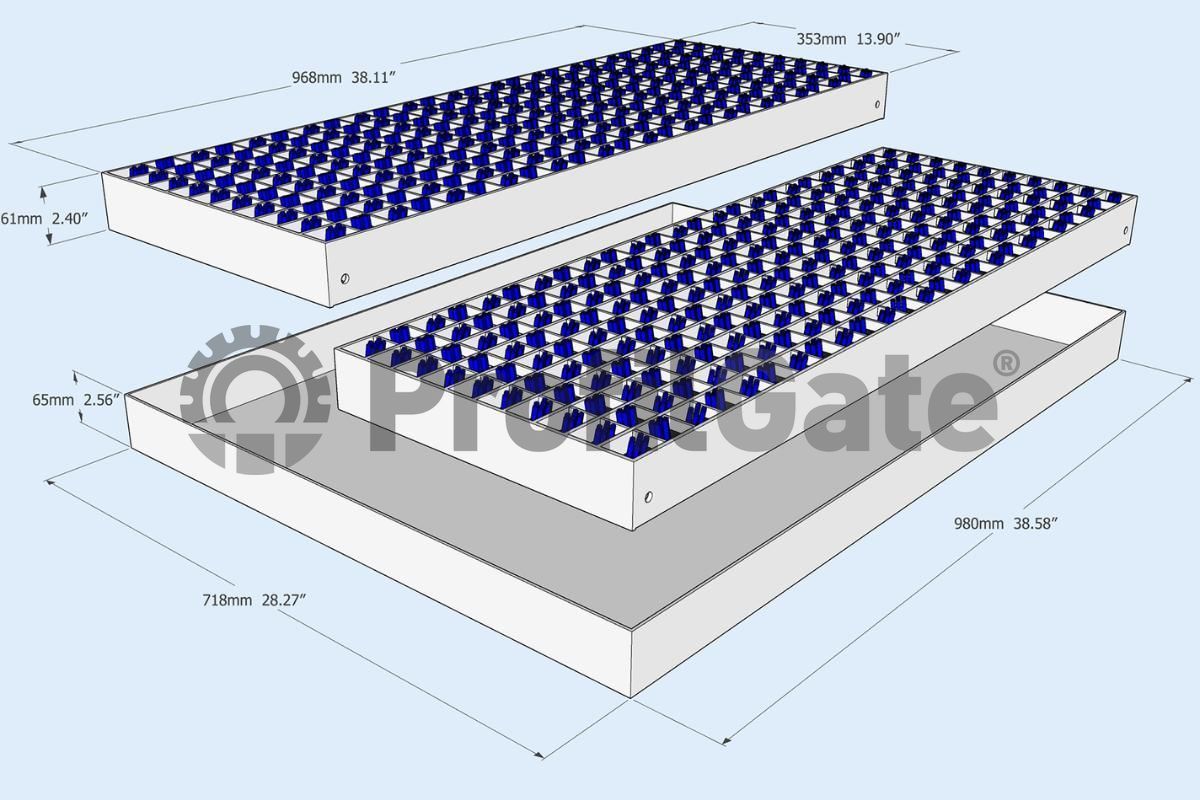
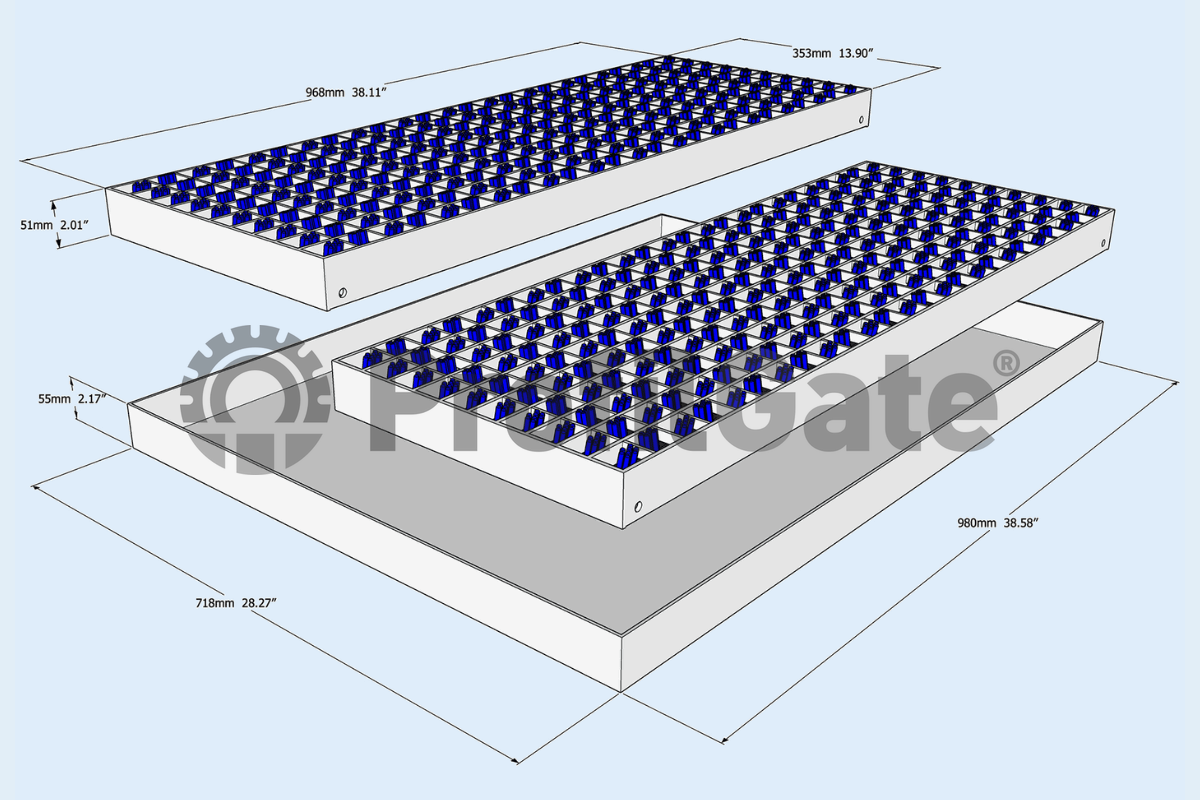
Dirt TrapTo prevent dirt from spreading within production and logistics halls, it is collected in a collecting tray under the cleaning mats. Choosing the right tub height depends on three crucial factors:
|
|
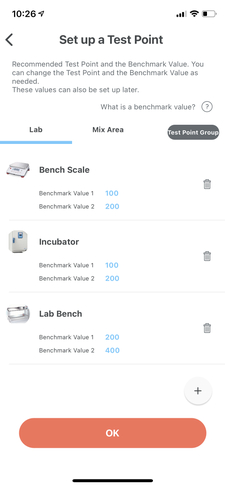
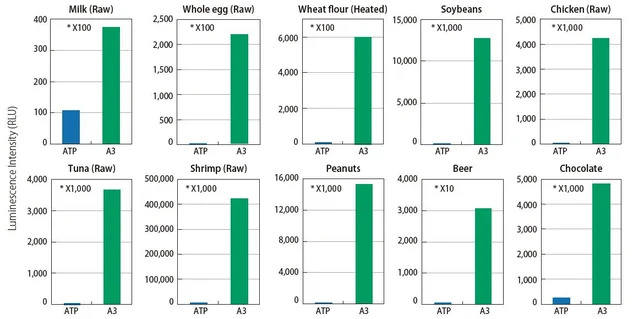 See how A3 technology finds what ATP technology can’t